
Customer support tickets and the engineering handoff on one grid
Support, product and engineering work in the same project. A ticket moves to engineering with one drag and keeps its status.
Prefer your own server? See self-hosted plans
Can Eigenfocus track customer support tickets?
Yes. Each ticket is an issue with a status, a priority and an owner team, in a project support and engineering share.
- A handoff grid shows each ticket by status and by the team that owns it.
- Contact forms and scripts create tickets through the REST API.
- Time logged on tickets adds up by product area in the reports.
Where tickets get stuck
"Escalations end up in another tool."
Support and engineering share the project. Moving a ticket to Engineering is a drag on the handoff grid.
"Waiting on the customer looks like work in progress."
Waiting on customer is its own status, so the queue shows what the team can act on.
"We can't tell which product area takes our time."
Label tickets by area and log time on them. The time report filters by label.
One grid for the handoff
Columns are the status. Rows are the team that owns the ticket. New tickets without an owner team wait in Remaining issues.
Support hands the export bug to Engineering. It's still In progress, so everyone sees it's moving.
How it works
Statuses that match the queue
Set up New, Waiting on customer, In progress, Pending review, Resolved and Closed. Types like Question, Bug report and Feature request keep the queue readable.
- Product area labels like Login, Exports and Mobile app
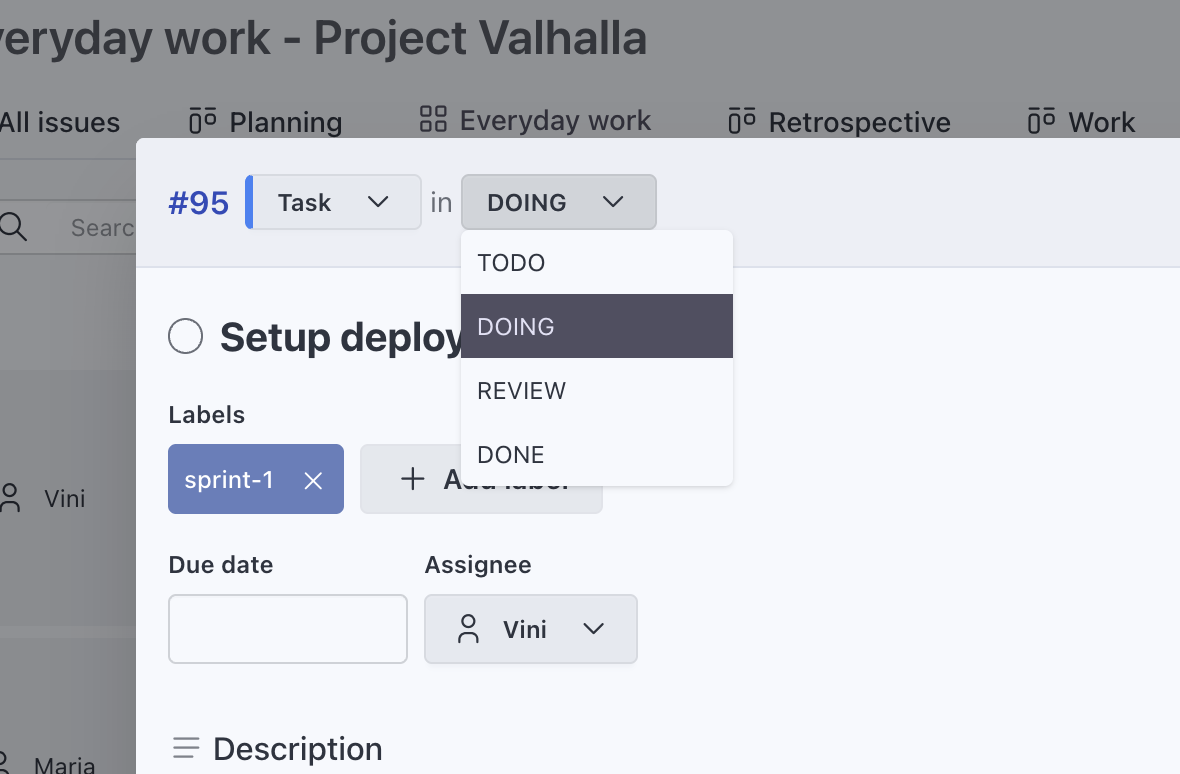
The customer and the conversation on the card
Add Customer as a text field, Priority and Owner team as select fields and a URL field that links to the conversation in your inbox.
- Group a grid or board by Owner team or Priority
- Pick which fields show on each view
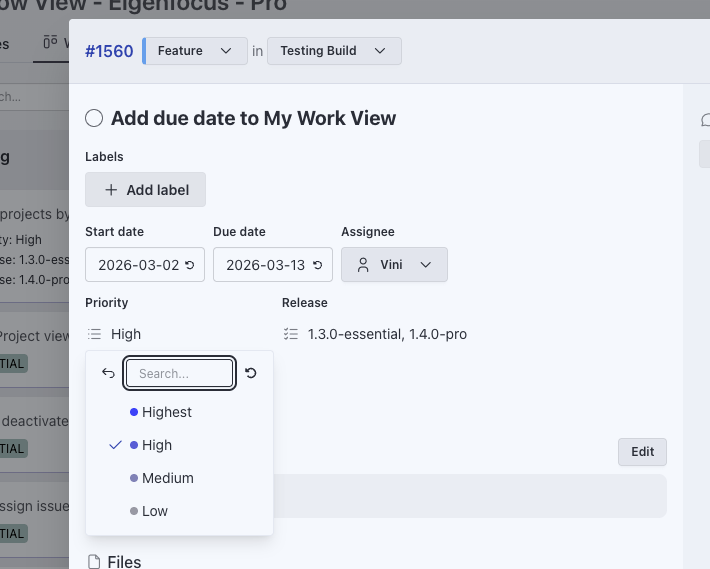
Tickets from your contact form
A short script sends each form entry to the REST API and the ticket lands in New. You can also paste an email into Claude Code or Cursor and ask it to create the ticket through MCP.
More about the REST API$ curl -X POST https://eigenfocus.example.com/api/v1/projects/12/issues \ -H "Authorization: Bearer $EIGENFOCUS_API_KEY" \ -H "Content-Type: application/json" \ -d '{"title": "Fix broken signup form", "assignee_id": 4}' { "id": 381, "title": "Fix broken signup form", "finished": false, "status": { "id": 1, "name": "To Do" }, "web_url": "https://eigenfocus.example.com/projects/12/issues/381", ... }
See where support hours go
The team logs time on each ticket. Filter the time report by a product area label and export it to CSV.
More about time tracking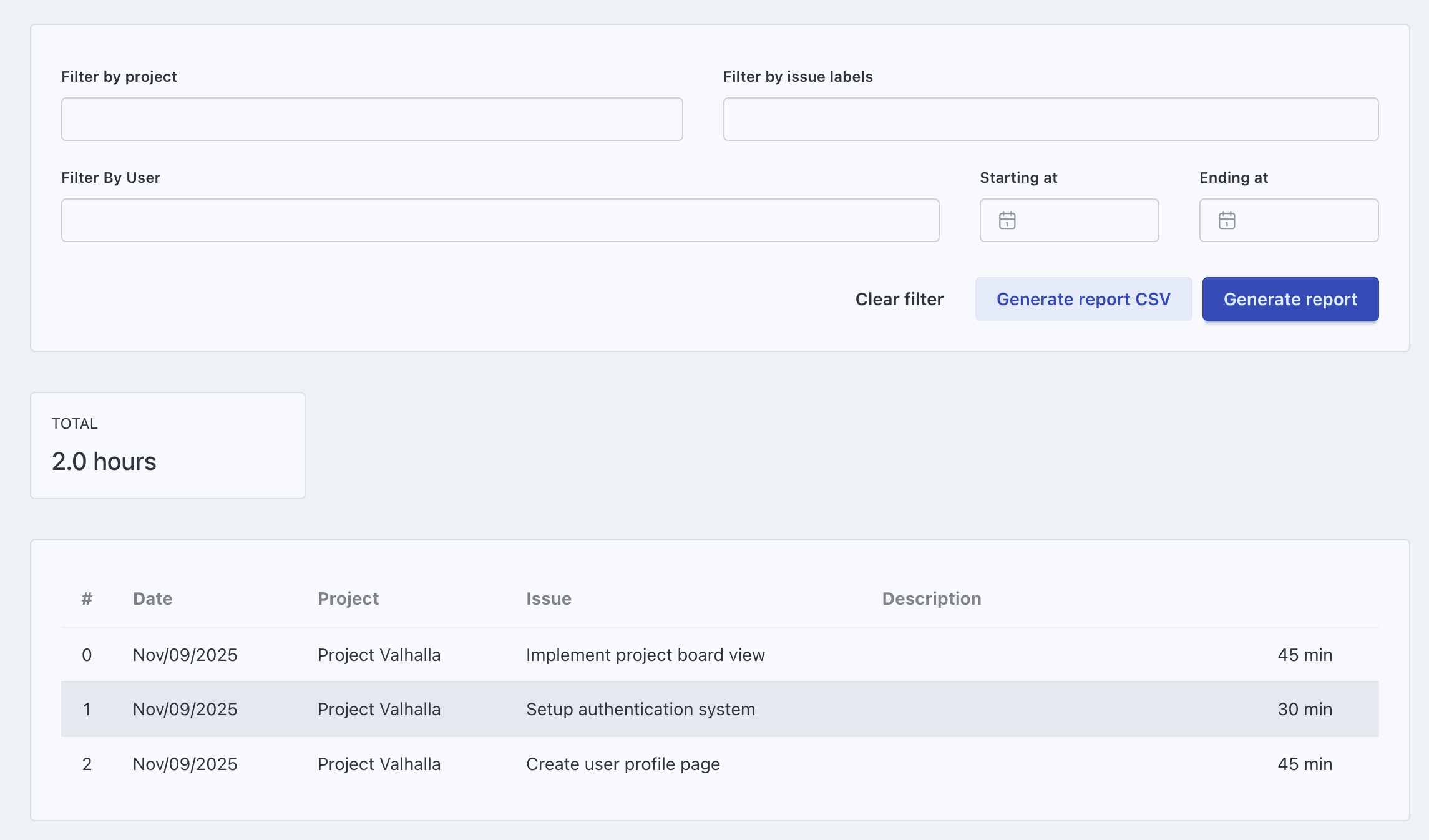
A day on the support queue
Morning queue
The team works the New and In progress columns first. Waiting on customer holds the rest until the customer answers.
A bug report
Support confirms the bug and drags it to the Engineering row. It shows up next to their other bugs.
Bug tracking softwareA feature request
Product sees every request in its row and labels the ones going on the roadmap.
Monthly review
Filter the time report by product area to see which part of the product needs the most help.
Keep exploring
Frequently asked questions
Can tickets come in from our contact form?
Can engineering work on tickets in the same project?
Can we track priority and the customer on each ticket?
Can we see how much time support spends?
How much does it cost to bring support and engineering together?
Try it with your own projects
Flat price for your whole team. Cloud from $15/month or self-hosted.
Prefer your own server? See self-hosted plans