
See everything Eigenfocus can do
Powerful enough for complex projects. Simple enough to actually use.
(Best experienced on desktop)
Create custom views
Create views for planning, daily standups, retrospectives. Each one is a different lens on the same data.
Project Items (issues)
Title, labels, description, assignee, due dates. All editable in one place, no jumping between screens.
Board View
Kanban for daily work, release planning, retrospectives, or idea gathering. Same board, different purposes.
Grid View
Status by assignee. Label by sprint. Customize both axes to see workload, bottlenecks, or progress at a glance.
Timeline View
Visualize issues on a timeline. Group by assignee, status, or label.
Filter by label text to scope by release, priority, area, or any convention your team uses.
List View
A compact, grouped list with full drag-and-drop. Group by status, assignee, label or custom field. Drag issues between groups to update fields in one motion.
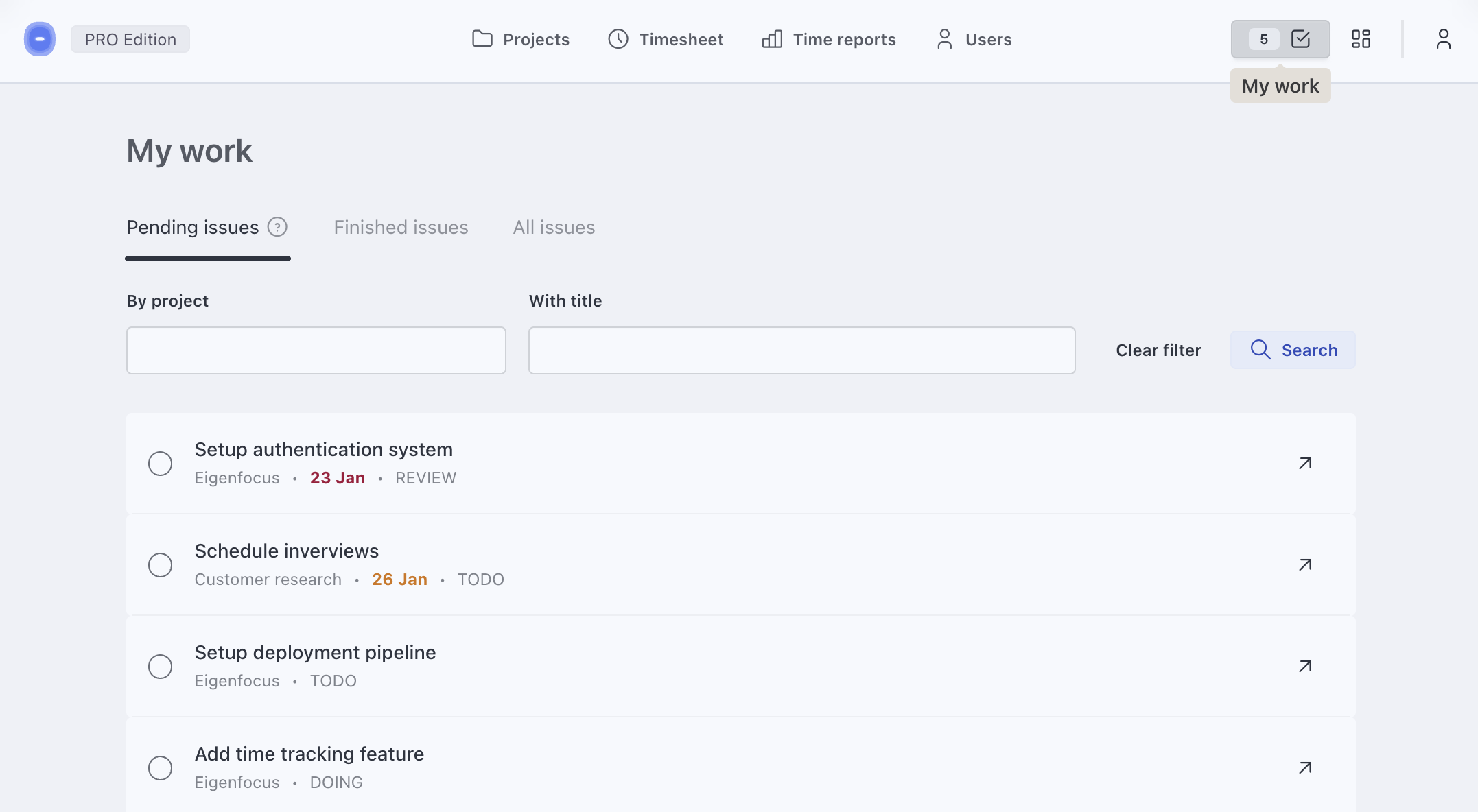
My work view
Stop jumping between projects. See every issue assigned to you in one view.
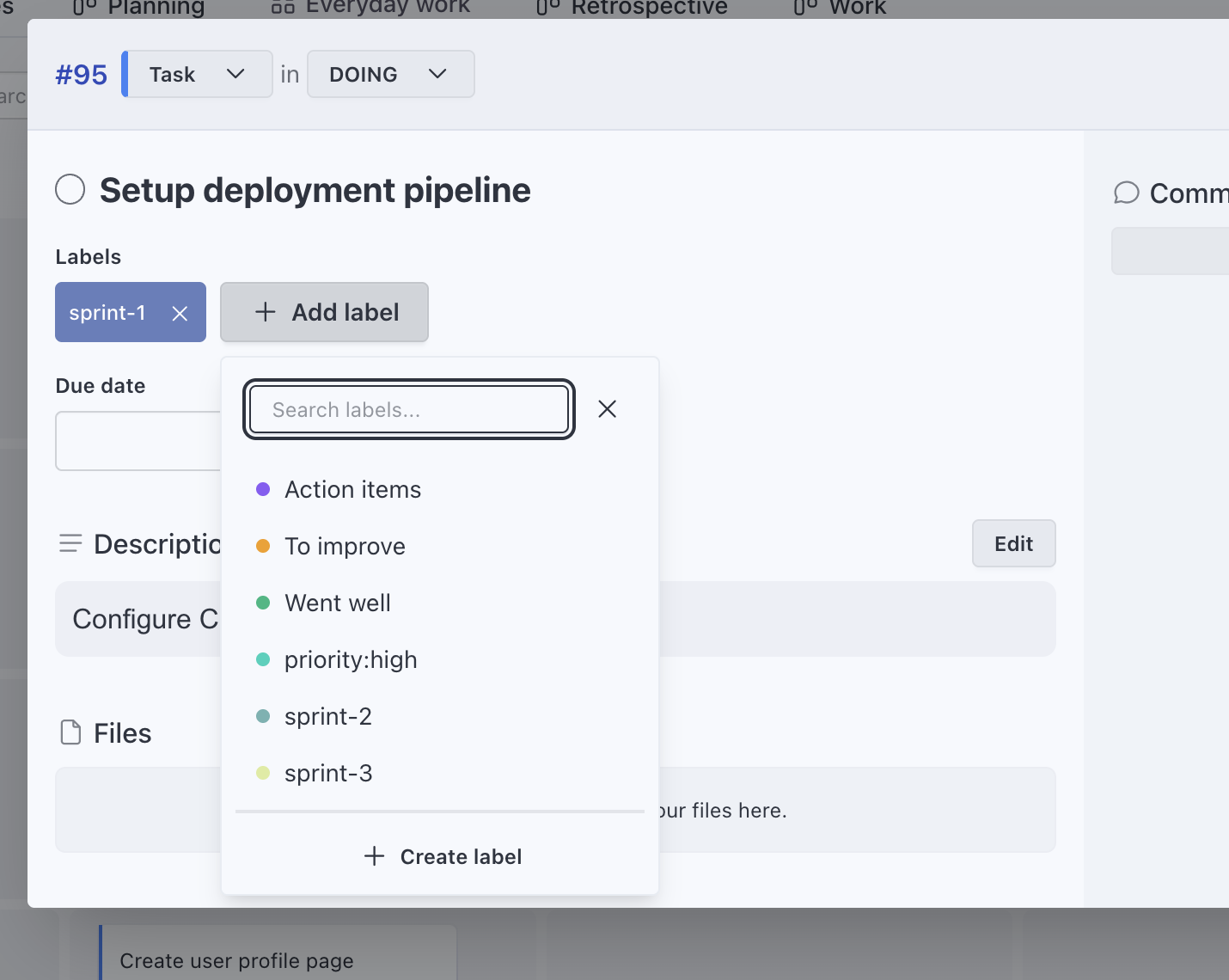
Custom Labels
Categorize work your way. Labels like "priority:high" or "release:1.1.0" can be used to filter, group, and build views.
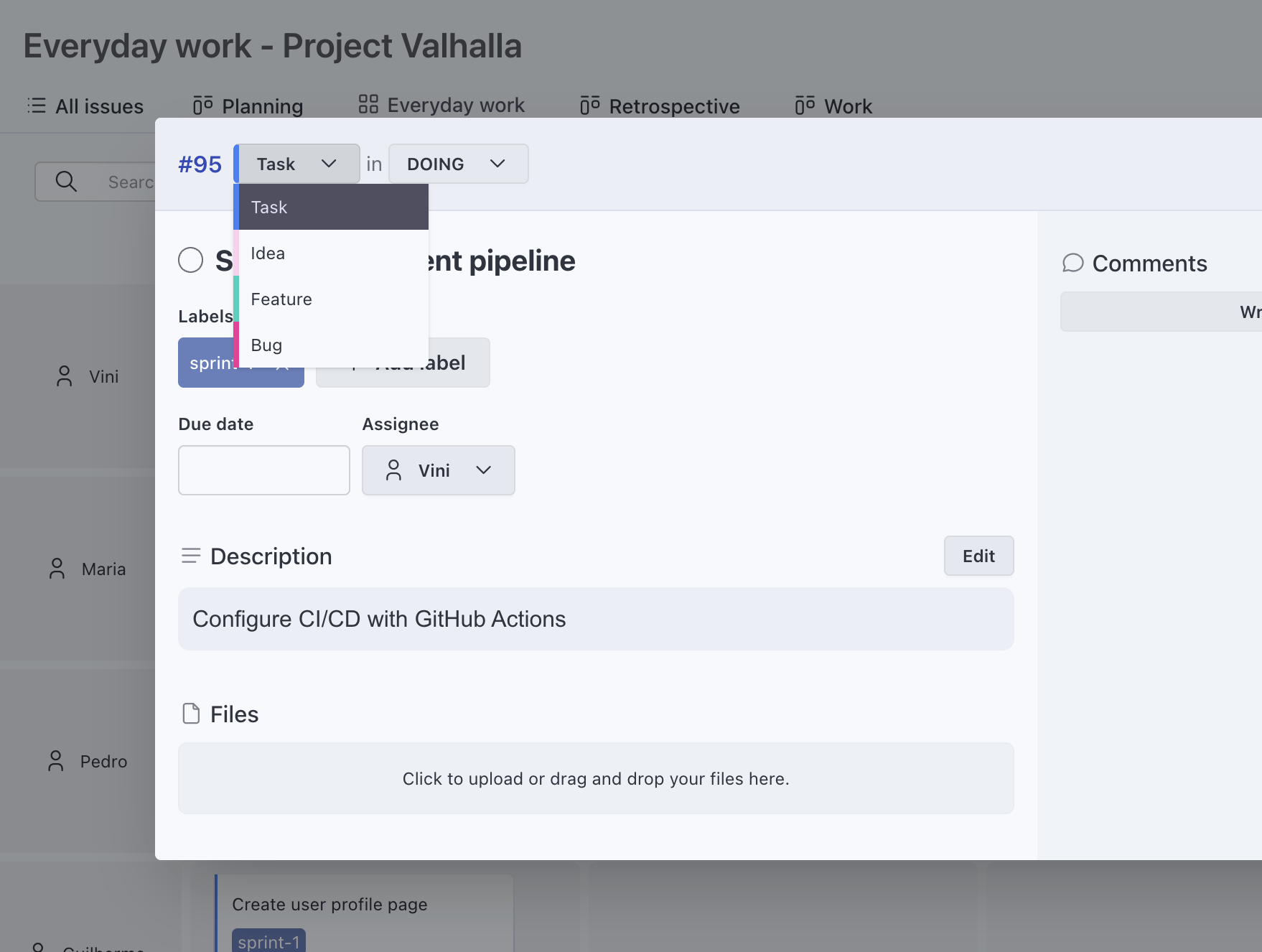
Custom Types
Define what kinds of work exist in your project: Task, Feature, Bug, Idea, or anything else.
Pro tip: you can also add a type "Customer" or "Organization" to manage them inside a CRM project.
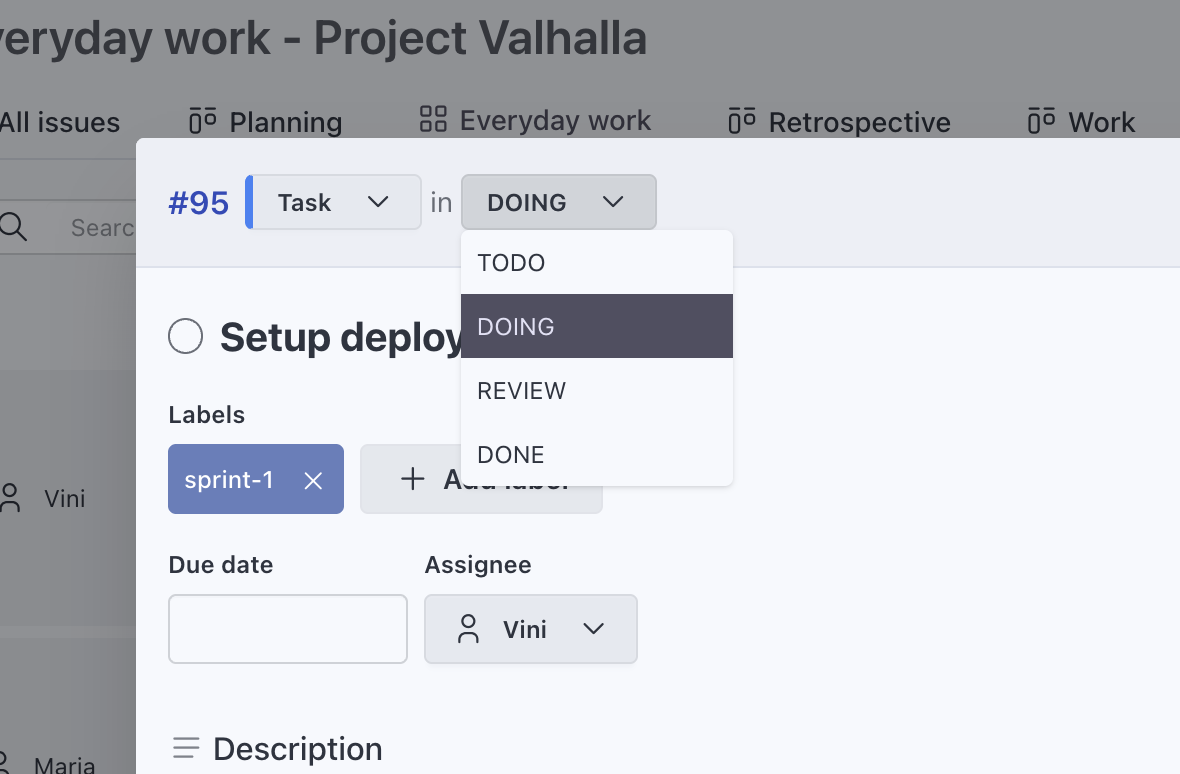
Custom Statuses
Match your actual workflow, not a template. Create statuses like In Progress, In Review, or Blocked.
Custom Fields
Use custom fields to manage different types of projects: track estimates for engineering work, phases for client projects, or scores for feature prioritization.
Multiple field types
Text, number, date, URL, boolean, single select, multi select.
Visible on cards
Choose customize card appearance on each view.
Search by field values
Filter your work by any data you track.
Comments and Collaboration
Keep context with the work. Comment on items, upload files and track decisions.
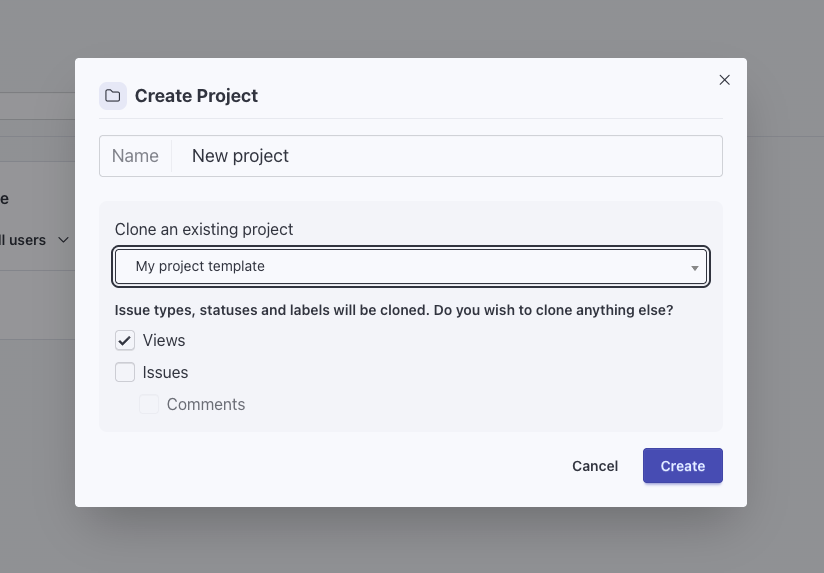
Project templates & cloning
Use an existing project as a template so new projects start with the right structure.
Our roadmap
Timesheet analytics
Get insights on project's budget and workload per person.
Time Tracking
Track time on projects and issues, then export reports for invoicing or performance.
Timesheet
Navigate through days, log entries, start and stop timers. Track time from any issue with one click.
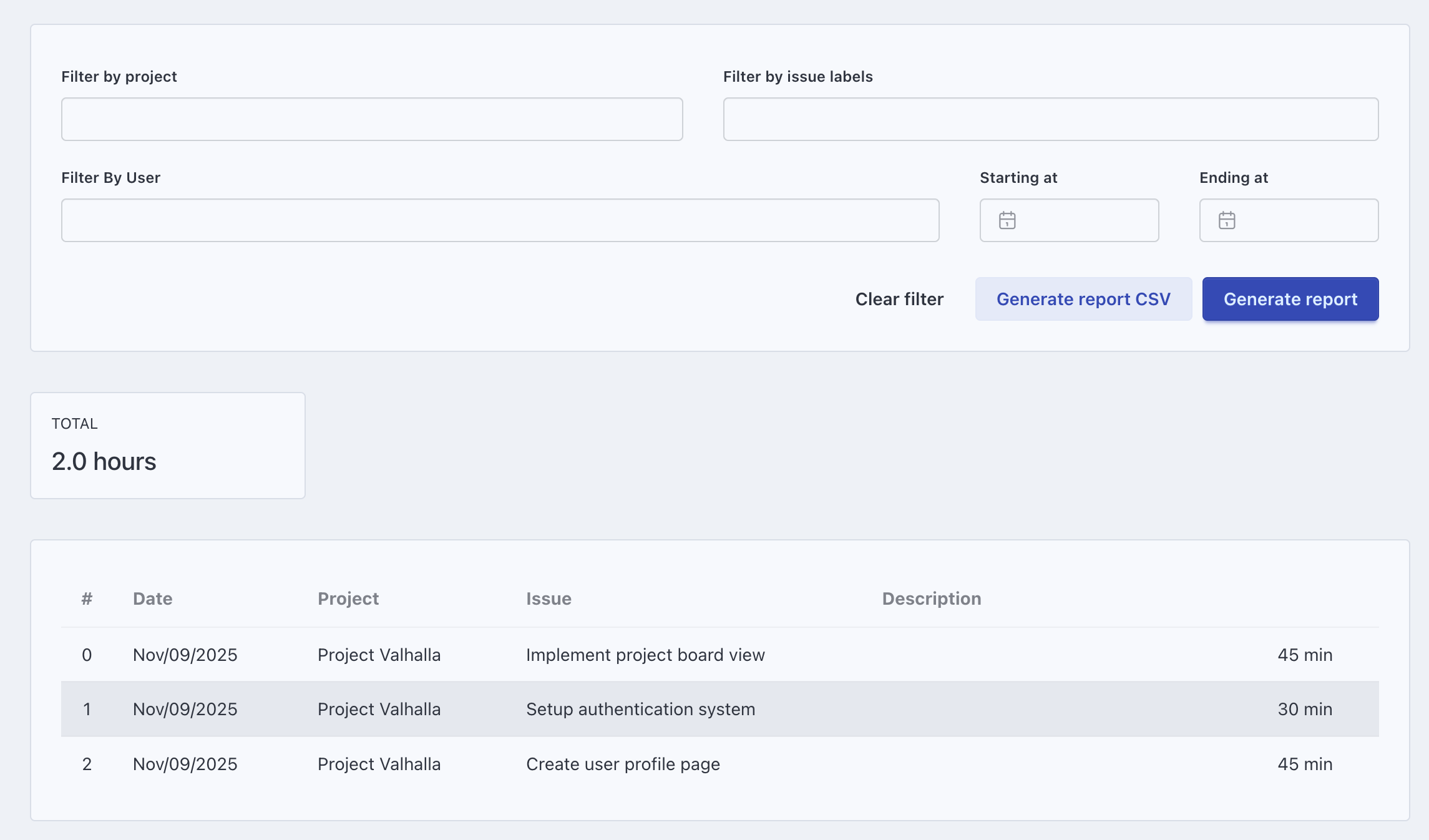
Extract Reports
Export time logs to CSV. Filter by project, person, or date range.
Users and Permissions
Add your team without worrying about per-seat costs. Control who sees and manages each project.
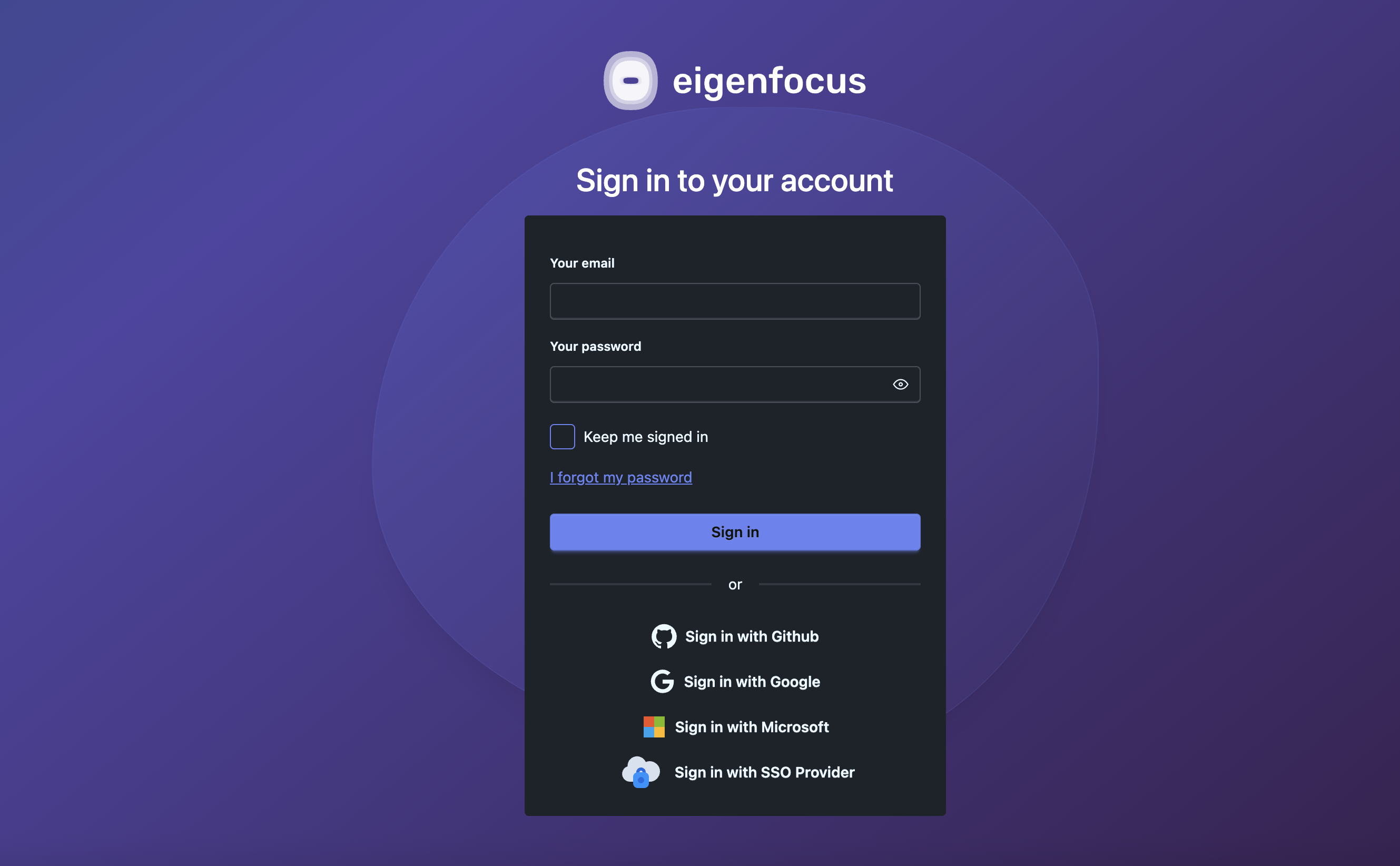
Authentication via SSO (Single Sign On) / OIDC (OpenID Connect)
Sign in with Google, GitHub, or Microsoft.
Connect a custom OIDC provider such as Authentik or Okta and customize your authentication:
- OIDC only: disable login using email + password
- Session timeout: forces re-authentication N minutes after sign-in
- Self-signup: no manual invite required, access control stays on the IDP side
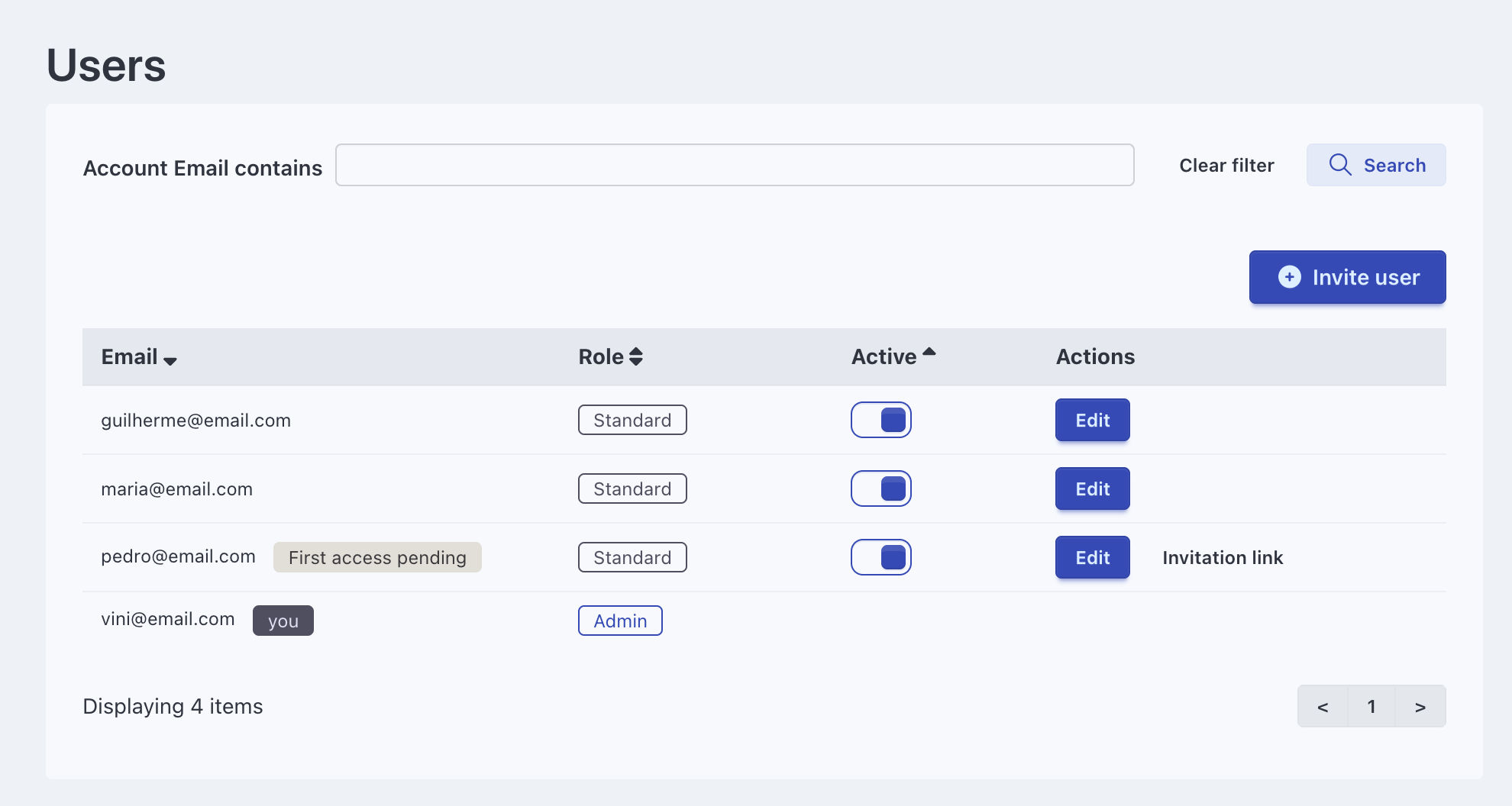
Invite your team
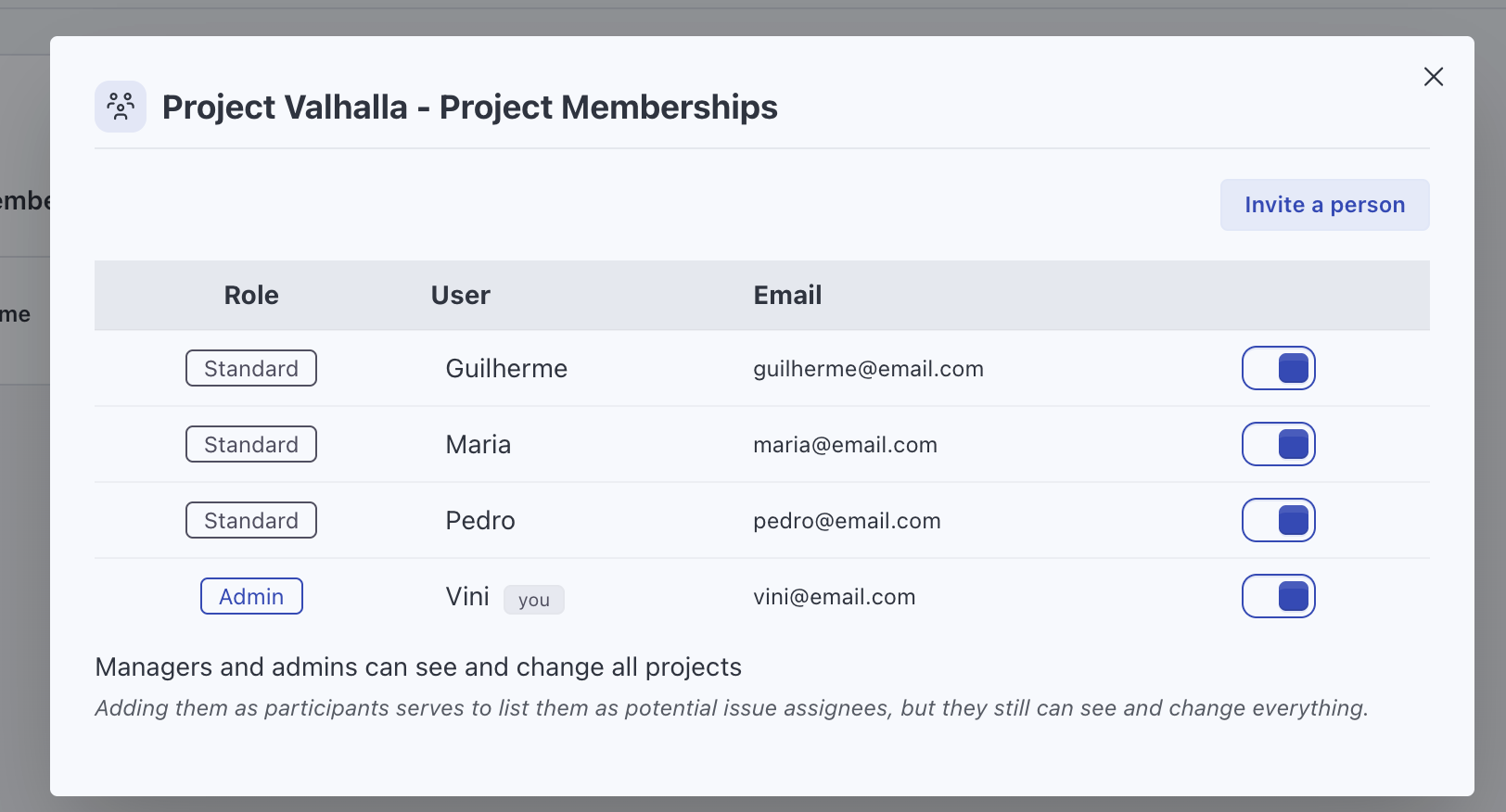
Send invitations and assign roles. No per-user fees.
Permissions and Roles
Control who can manage or participate in a project.
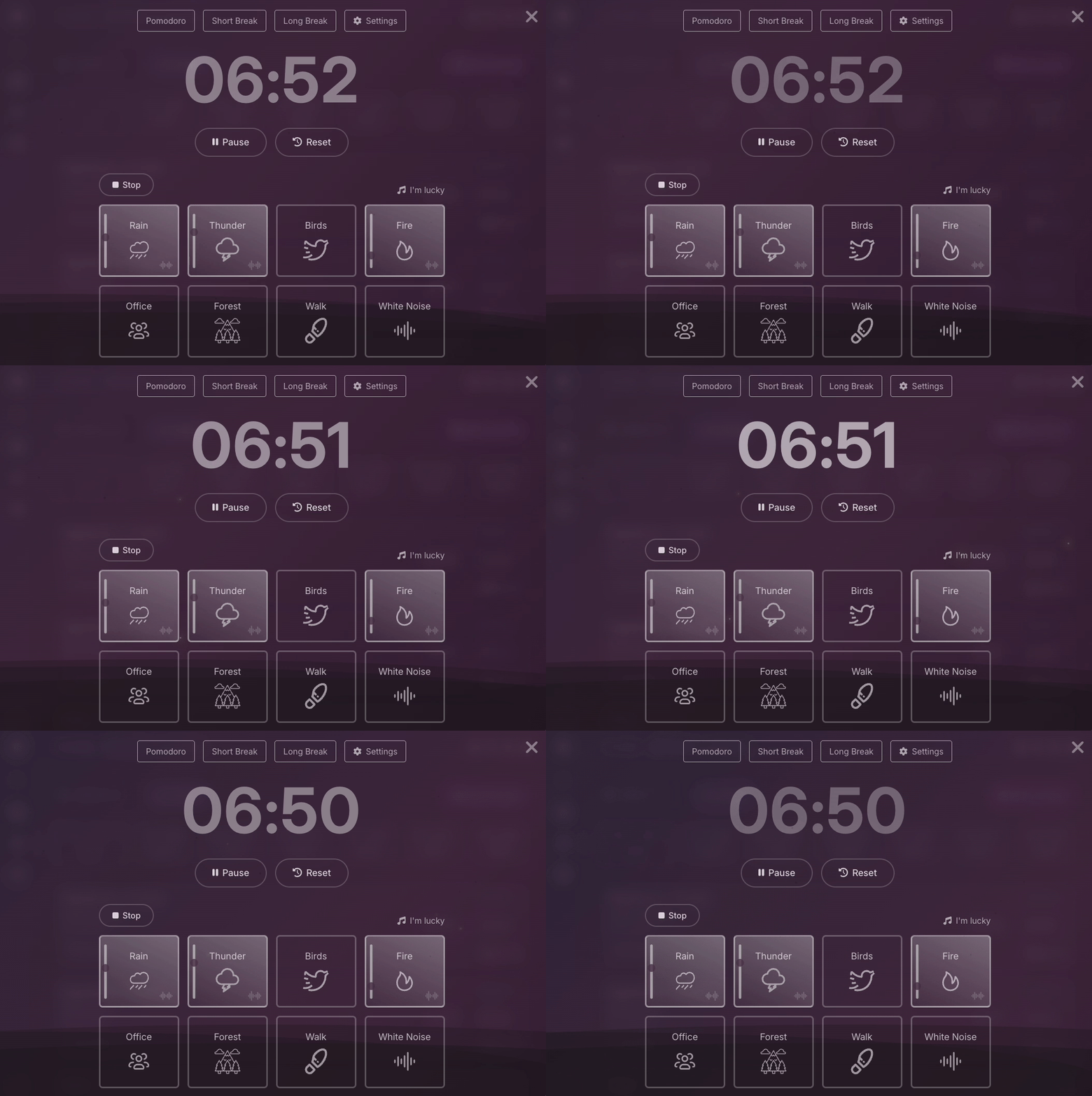
Focus Space
A dedicated environment to focus on one task at a time with a running timer and ambient sounds.
Self Hosted
Your data, your servers. Deploy with Docker and keep full control.
Deploy On-Premise
Run Eigenfocus on your own servers using our Docker image.
Data Ownership
Keep your data in-house. With self-hosting, you retain full ownership and control over your project data.
Cloud
All the power of PRO. We handle the infrastructure. Flat monthly price, no per-user fees.