
Project management for IT teams
Custom issue types, triage boards, timeline planning and time tracking. Without the enterprise ticketing overhead.
Custom issue types for IT tickets and requests
Define types that match your IT workflow
Incident, Service Request, Change Request, Bug or whatever your team handles. Each project gets its own set of issue types and statuses.
Custom statuses per project
Set up statuses like Triage, In Progress, Waiting on Vendor, Resolved. Different projects can have different workflows.
No global schemes to manage
Add or change issue types in one project without affecting others. No admin approval required, no workspace-wide config changes.
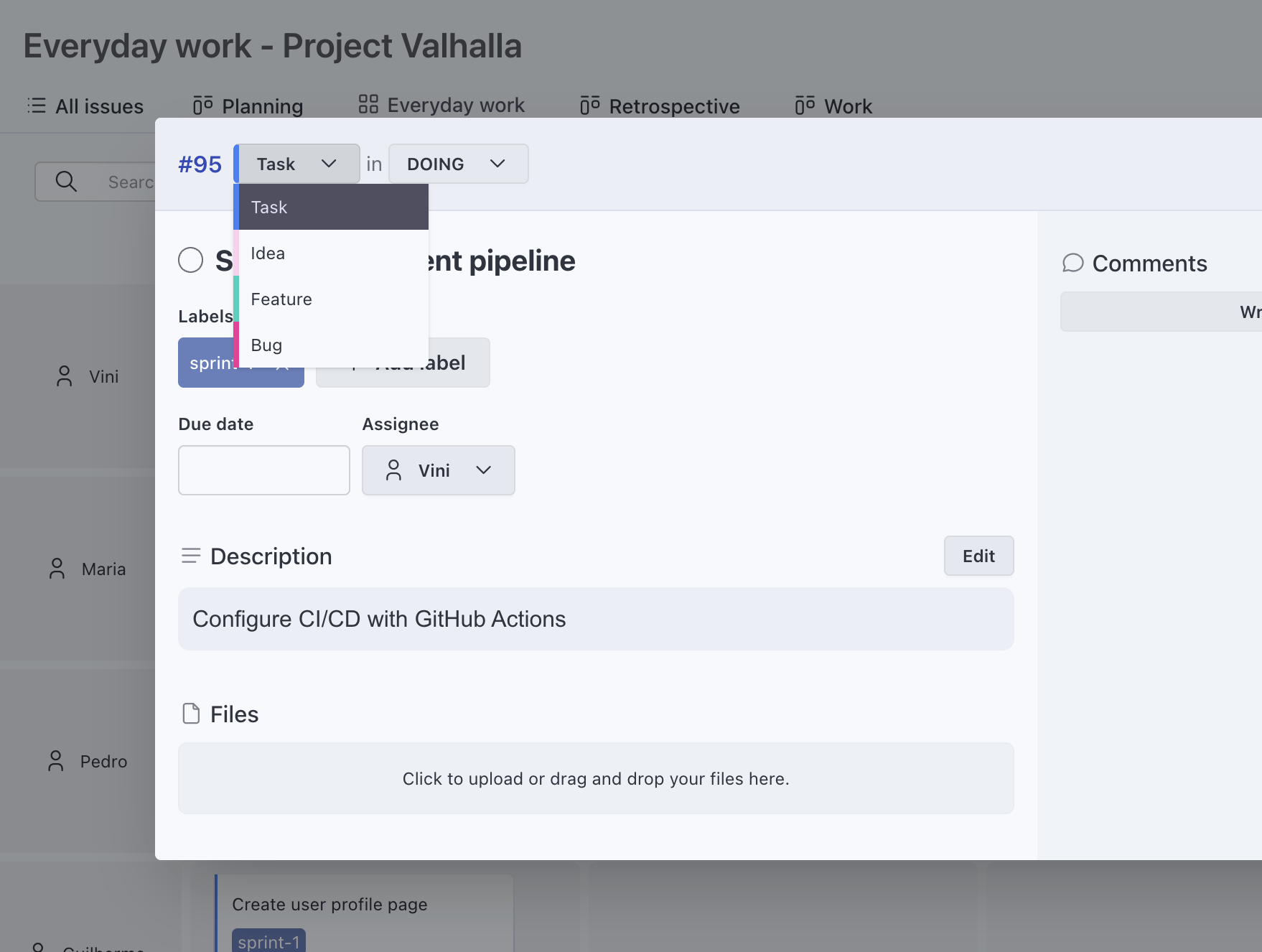
Board views for IT triage and daily work
Triage incoming requests
Use a board to move tickets from New to Triage to Assigned. Drag and drop to update status as your team works through the queue.
Multiple board views per project
One board for triage, another grouped by assignee for workload. Each view is a different lens on the same data.
Lists for searching and filtering
Filter tasks by assignee, status, label or custom field values. Sort by priority or due date to find what needs attention.
Grid and timeline for IT project planning
Grid view for workload visibility
See work mapped across two dimensions. Status by assignee, priority by status or any combination. Helpful for standup meetings and capacity checks.
Timeline for upcoming work
Visualize tasks over time. See what is scheduled this week, what is coming up and where things overlap. Group by assignee or status.
Plan without a heavyweight tool
Get the planning visibility you need from a grid or timeline, without the configuration overhead of enterprise project portfolio tools.
Custom fields to track what IT teams care about
Add fields for your IT workflow
Priority level, affected system, request category, effort estimate or environment. Text, number, date, URL, single select and multi select.
Visible on board and grid cards
See priority or affected system directly on cards. Choose which fields show up per view so the important info is always visible.
Filter by any custom field
Use custom field values to filter in list view. Find all high-priority incidents or all requests for a specific system.
Built-in time tracking for IT work
Track time on tickets and projects
Start a timer while working on a ticket or log time manually after the fact. Time tracking is included in every plan.
Reports by project and person
See where IT hours go. Filter by project, team member or date range. Export to CSV for reporting or resource planning.
Flat pricing for IT teams
No per-user fees
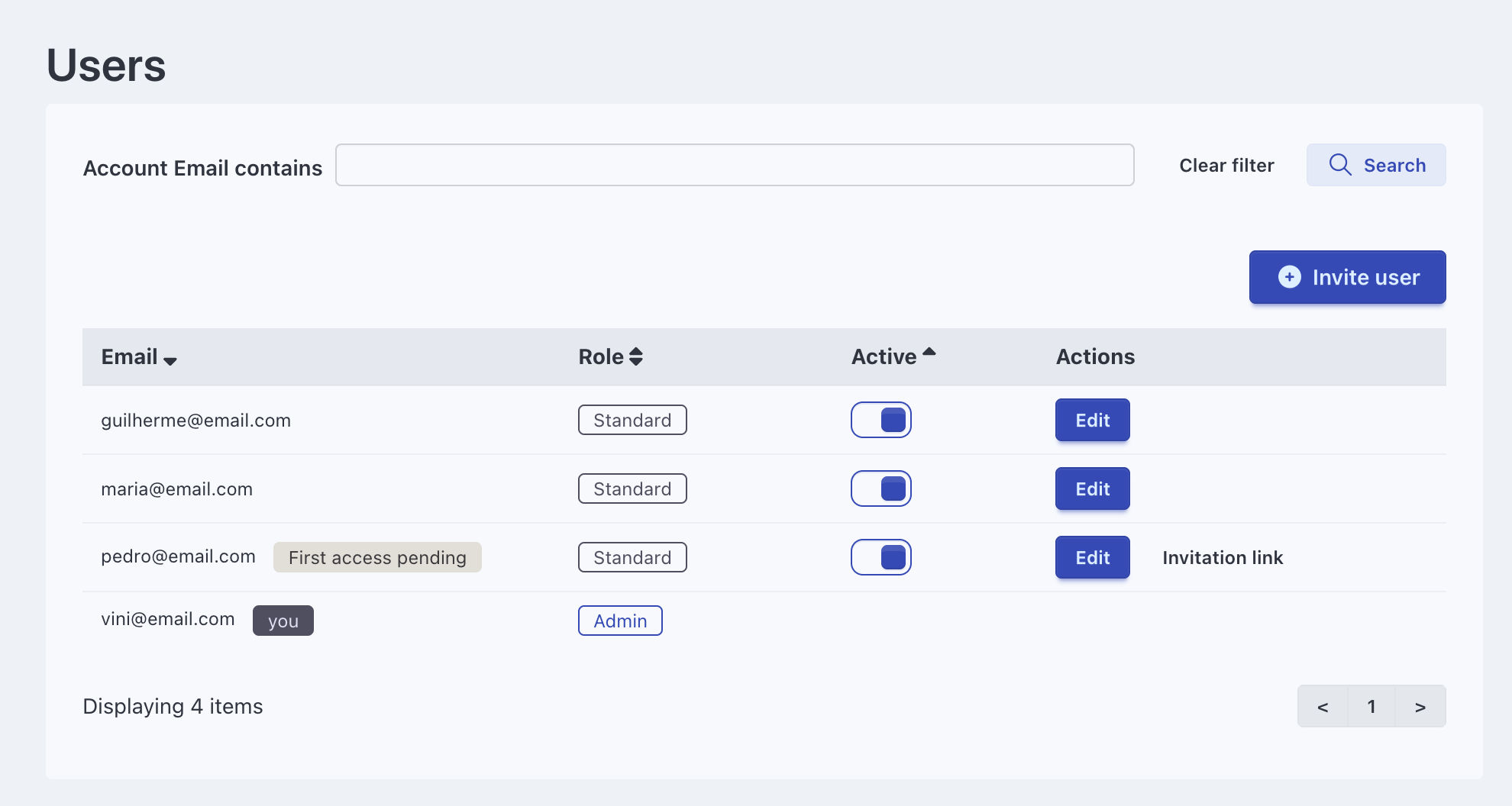
Add your whole IT team, including part-time staff and contractors. Self-hosted starts at $139 one-time, Cloud from $15/mo.
Cloud or self-hosted
Use the Cloud version for zero maintenance or deploy on your own servers for full data control. Same features either way.
What IT teams get with Eigenfocus
Frequently Asked Questions
Is Eigenfocus a good IT project management tool?
Can I use Eigenfocus for IT ticket triage?
Does Eigenfocus replace enterprise ticketing systems like ServiceNow?
Can each IT project have different issue types and statuses?
How much does Eigenfocus cost for IT teams?
Try Eigenfocus for free
Self-hosted or cloud options available.