
Project permissions and roles
Bring the whole company in without opening every project to everyone. New projects are private until you add people or open them to the workspace.
Prefer your own server? See self-hosted plans
How do permissions work in Eigenfocus?
Eigenfocus controls access at two levels.
- Workspace roles (Admin, Super manager, Manager and Standard) decide what someone can do across the workspace.
- Project memberships (Project manager or Collaborator) decide who works in each project.
- New projects are private by default and can be opened to the whole workspace from their settings.
Add people without opening every project
Every project visible to everyone
New projects start private. Invite the people who need them. You can also open a project to the whole workspace.
Admins as a bottleneck
Project managers add and remove members and change their own project's setup. Admins handle workspace settings and users.
Clients and contractors in the same workspace
They see only the projects you add them to and any project you open to the whole workspace.
How it works
Four user roles for the workspace
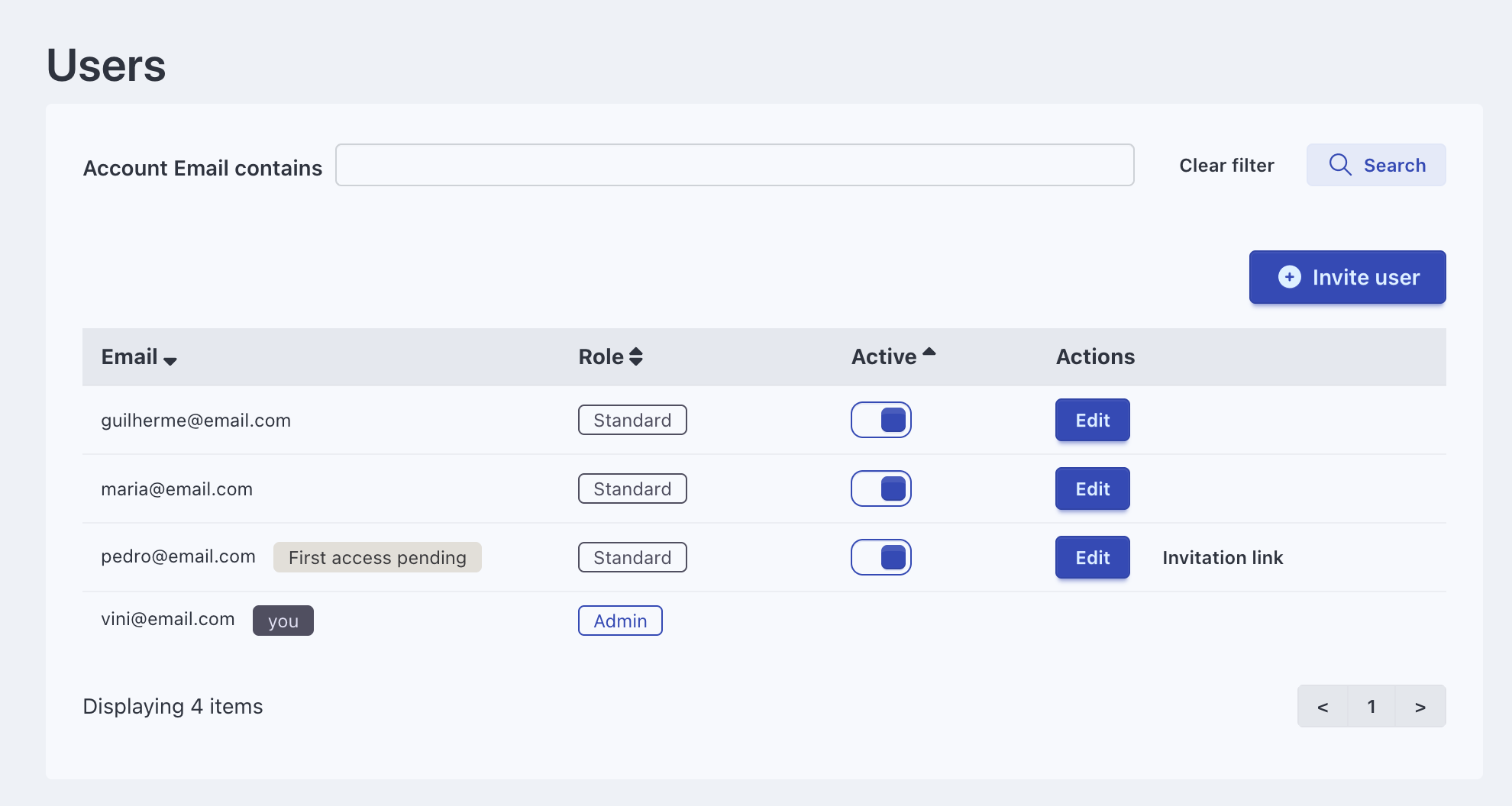
Fixed roles decide what each person can do across the workspace.
- Admin: full control, including workspace settings and users
- Super manager: sees and manages every project and the time reports, without workspace settings or users
- Manager: creates projects and sees the ones they created or joined
- Standard: works in the projects they're a member of
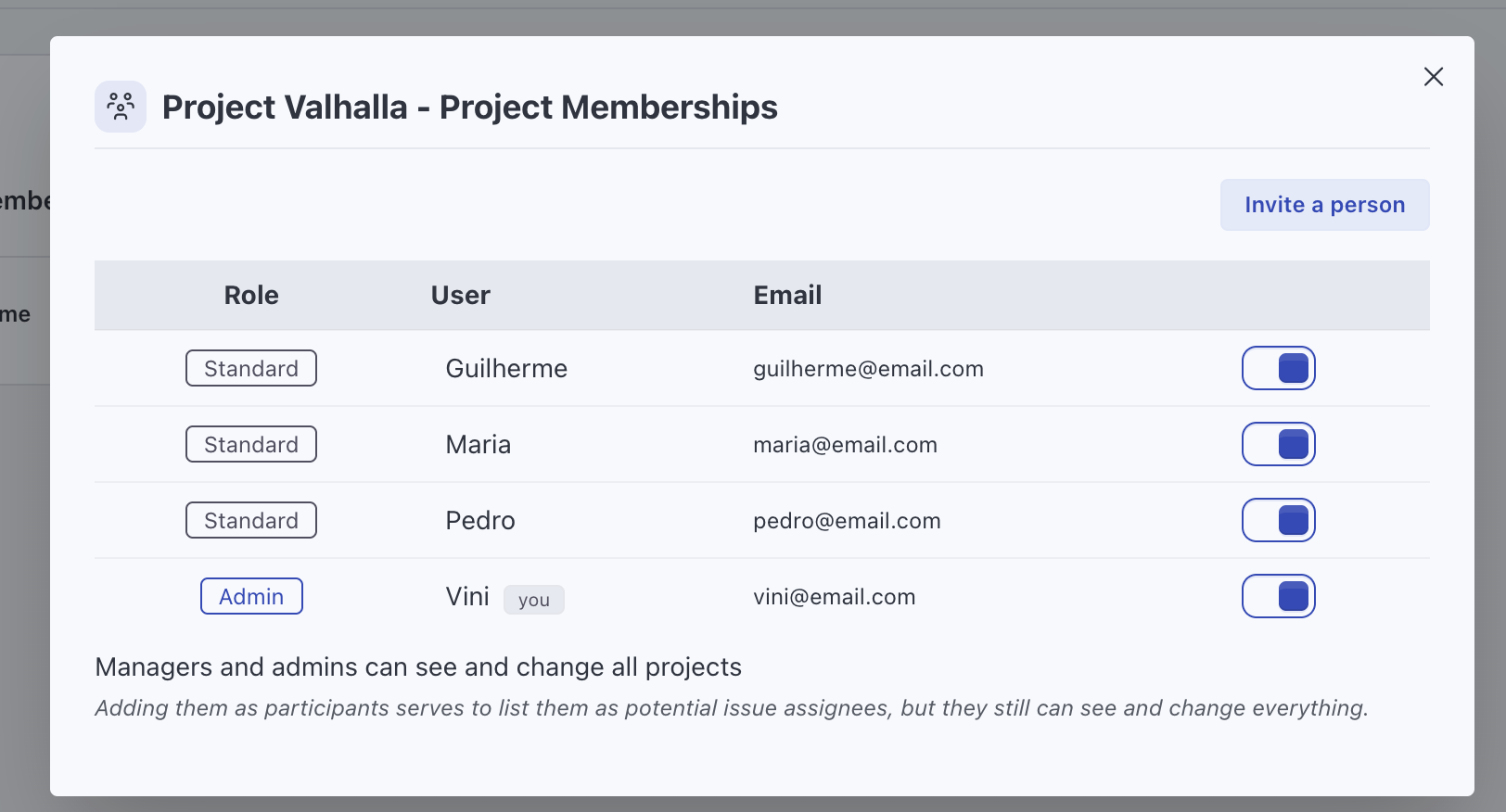
Private projects and memberships
Each member of a project is a Project manager or a Collaborator. Project managers edit the project and manage its members. Collaborators work on the issues. Whoever creates a project becomes its project manager.
- New projects are private by default
- Open a project to the whole workspace when you want to
Project access
Time entries stay personal
People log and see their own time. Admins and super managers see everyone's hours in the time reports.
- Time reports and CSV exports are for admins and super managers
- Reports filter by project, person, label, date and billable status
-
Client portal
Review homepage mockups
1:30 -
Client portal
Call with the marketing team
0:45 -
Internal
Update the onboarding checklist
0:50 -
Mobile app
Fix login redirect
2:10
Common setups
Agency with client projects
Each client project is private, with only the people working on that account.
Agency project managementLeads who need the full picture
Make them Super managers so they see and manage every project and the time reports without touching settings.
Team leads who run their own projects
Make them Managers. They create projects and add their people without an admin.
Company-wide projects
Open a project like "Office requests" to the whole workspace so anyone can add issues.
Frequently asked questions
Are projects visible to everyone by default?
Who can create projects?
Can project managers add people without an admin?
What happens when someone leaves?
Do I pay per user?
Try it with your own projects
Flat price for your whole team. Cloud from $15/month or self-hosted.
Prefer your own server? See self-hosted plans