
Single sign-on with Google, GitHub, Microsoft and OIDC
People sign in with the account they already use. On self-hosted PRO, connect your own identity provider and decide in one place who gets in.
Prefer your own server? See self-hosted plans
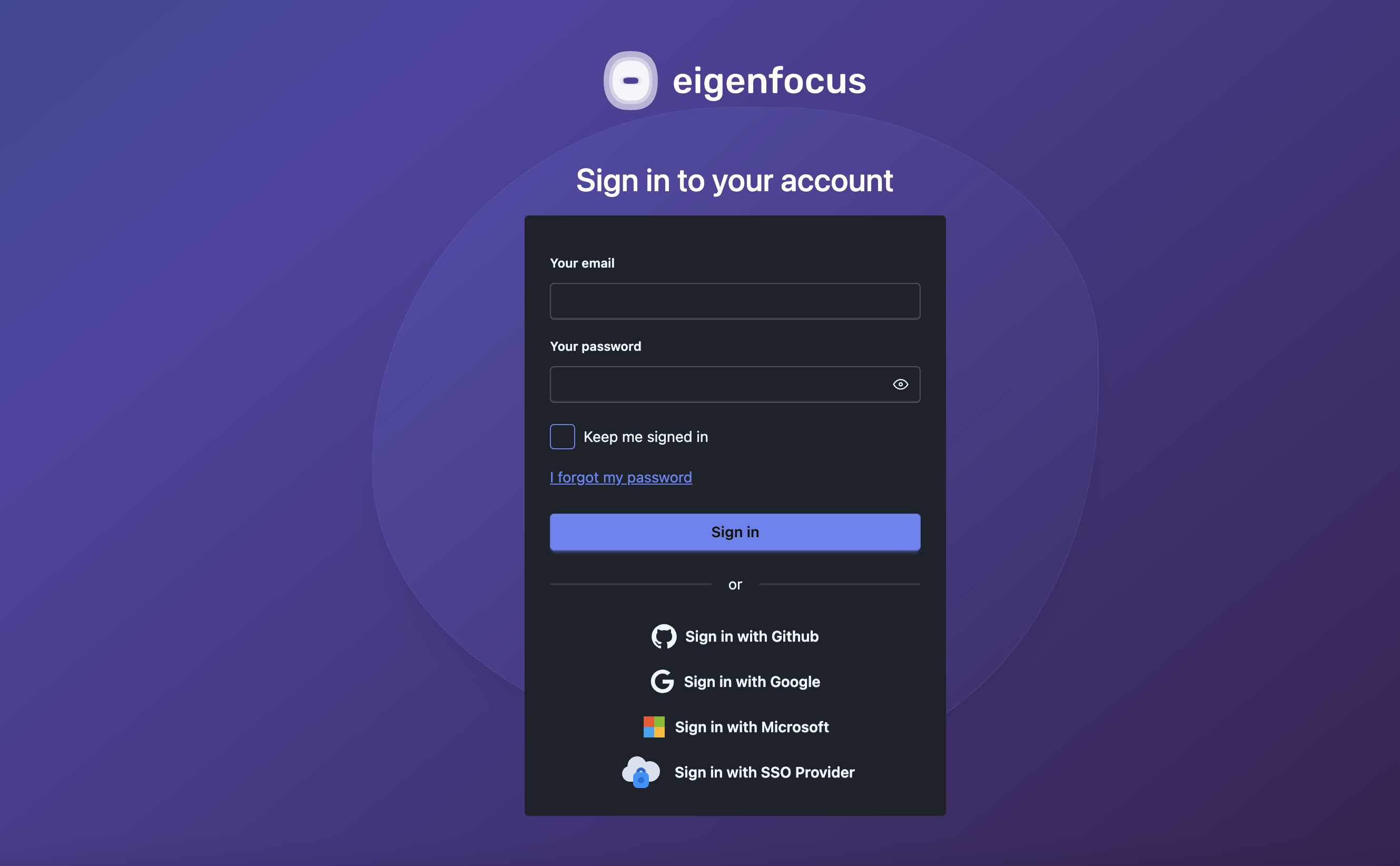
Does Eigenfocus support SSO?
Yes. On PRO and Cloud, people can sign in to Eigenfocus with Google, GitHub or Microsoft.
- Self-hosted PRO also connects to any OpenID Connect (OIDC) provider, such as Okta, Authentik, Keycloak or Microsoft Entra ID.
- There you can also turn off password login, set a maximum session length and let new people get an account by signing in through the provider.
Manage access in the provider you already use
Another password to manage
People sign in with their work account. The rules your provider sets, like two-factor login, still apply.
Offboarding in two places
On self-hosted PRO with password login off, removing someone in your provider means they can't sign in again. A maximum session length closes their open sessions too.
Invites for every new hire
Turn on sign-up through your provider and new people get an account the first time they sign in. Nobody has to send an invite.
How it works
Google, GitHub and Microsoft
People link Google, GitHub or Microsoft to their account from the profile and use it on the next sign-in. When the provider email matches their Eigenfocus account, the first sign-in links it on its own. Invited people can accept the invite with a provider instead of a password.
- Link or unlink providers from the profile
- Accept invitations with a provider
Your own OIDC provider
On self-hosted PRO, connect any OpenID Connect provider with a JSON config file and one environment variable. Okta, Authentik, Keycloak, Microsoft Entra ID and others work the same way.
- Standard OpenID Connect, no vendor plugin
- Pick which provider field becomes the display name
# oidc-config.json
{
"name": "okta",
"issuer": "https://your-company.okta.com",
"discovery": true,
"scope": ["openid", "email", "profile"],
"client_options": { "identifier": "...", "secret": "..." }
}
Login policies for your security team
Self-hosted PRO adds server settings for teams that need the identity provider to be the only way in. Each one is an environment variable.
- SSO-only login: hides the password form and rejects password sign-in
- Maximum session length: people sign in again after a set number of minutes
- Sign-up through your provider: new people get an account the first time they sign in, so you grant access in the provider
- With SSO-only login and one provider, the sign-in page goes straight to the provider
Sign in to Eigenfocus
Password login is turned off
Common setups
Company on Okta or Entra ID
On self-hosted PRO: password login off, 8-hour sessions and sign-up through Okta or Entra ID. Remove someone there and they can't sign in anymore.
Self-hosted project managementIT team on Authentik or Keycloak
One provider for every self-hosted app, Eigenfocus included.
Software team on GitHub
Everyone signs in with GitHub. No new passwords to hand out.
Software developmentAgency on Google Workspace
Staff sign in with their company Google account.
Frequently asked questions
Which identity providers work with Eigenfocus?
Can I force everyone to sign in through our provider?
What happens to people who already have an account?
Do new people need an invite?
Try it with your own projects
Flat price for your whole team. Cloud from $15/month or self-hosted.
Prefer your own server? See self-hosted plans