
Scrum boards for planning and running your sprints
Give each sprint a label. Plan it on a grid, run it on a board filtered to that sprint and carry unfinished work over with one drag.
Prefer your own server? See self-hosted plans
Can you run scrum in Eigenfocus?
Yes. Each sprint is a label in Eigenfocus, so planning a sprint means dragging issues into it.
- A planning grid shows each sprint as a column and the backlog as the last one.
- The sprint board is a status board filtered to the current sprint label.
- Story points go in a number field and time reports filter by sprint label.
Where sprints get messy
"Planning happens in a spreadsheet."
Plan on a grid with one column per sprint. Drag an issue in and it's in the sprint.
"Unfinished work disappears between sprints."
Drag what's left from Sprint 14 to Sprint 15 on the planning grid. It shows up on next sprint's board.
"Nobody knows how many hours a sprint took."
Everyone logs time on the issue. Filter the time report by the sprint label.
One sprint, start to finish
Three steps on the same issues. Switch the tabs to follow a sprint.
Remaining issues is your backlog. Drag a card into a sprint to plan it.
The sprint board shows Sprint 14 and nothing else.
Drag what's left to the next sprint. The label changes and next sprint's board picks it up.
Ask Claude Code to move every unfinished Sprint 14 card to Sprint 15 and it does the same through the MCP server. More about the MCP server
How it works
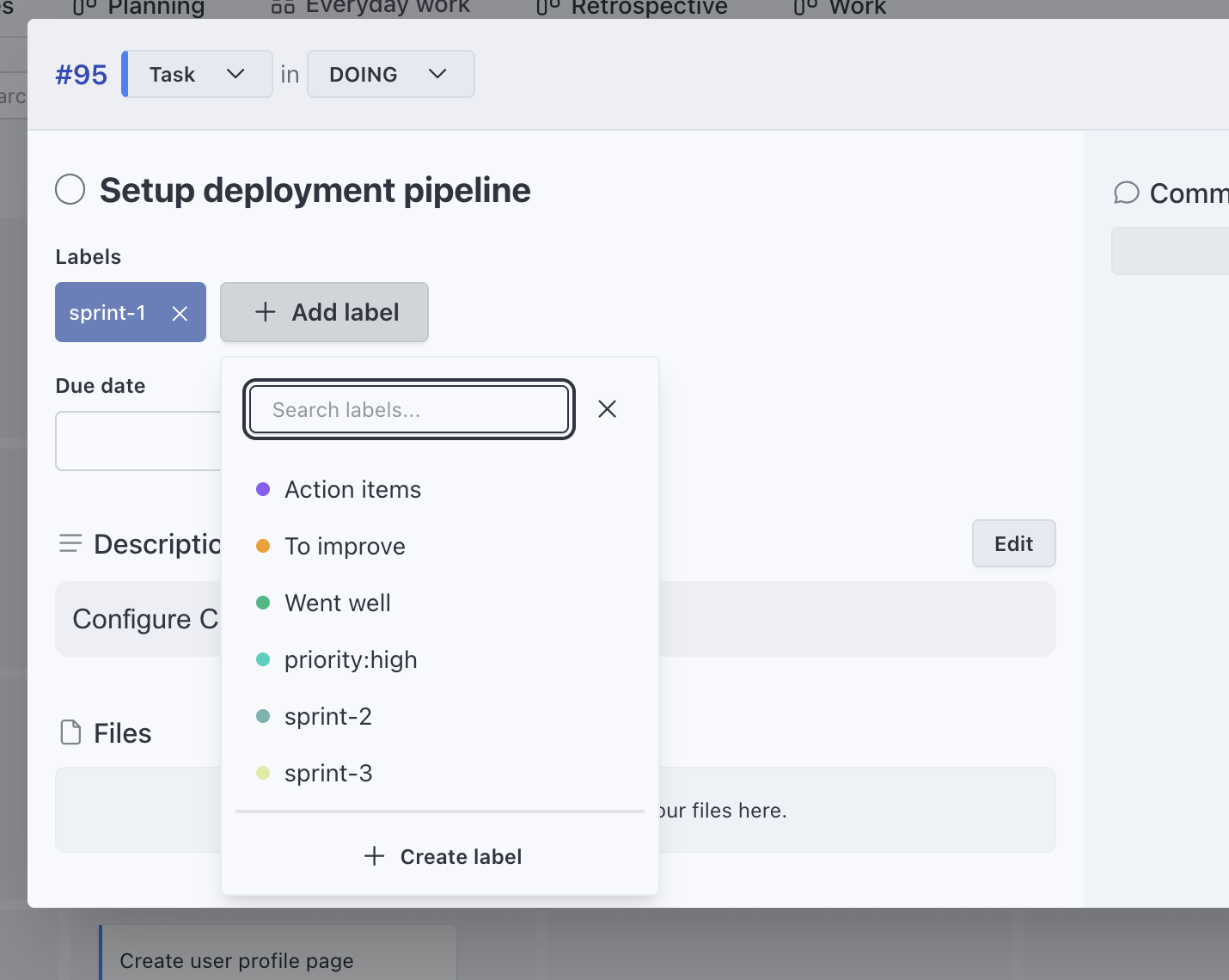
A label for each sprint
Create a label per sprint and keep a board filtered to the current one. At the start of the next sprint, point the filter to the new label.
- Planning grid with sprints as columns and people as rows
Story points on every card
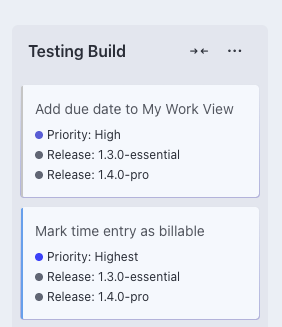
Add a number field for story points and show it on the cards. Group a board by it when the team estimates together.
- A select field for area or component next to it
- Pick which fields show on each view
See the hours each sprint took
The team logs time on the issue they work on. Admins and super managers filter the time report by the sprint label and export it to CSV.
More about time tracking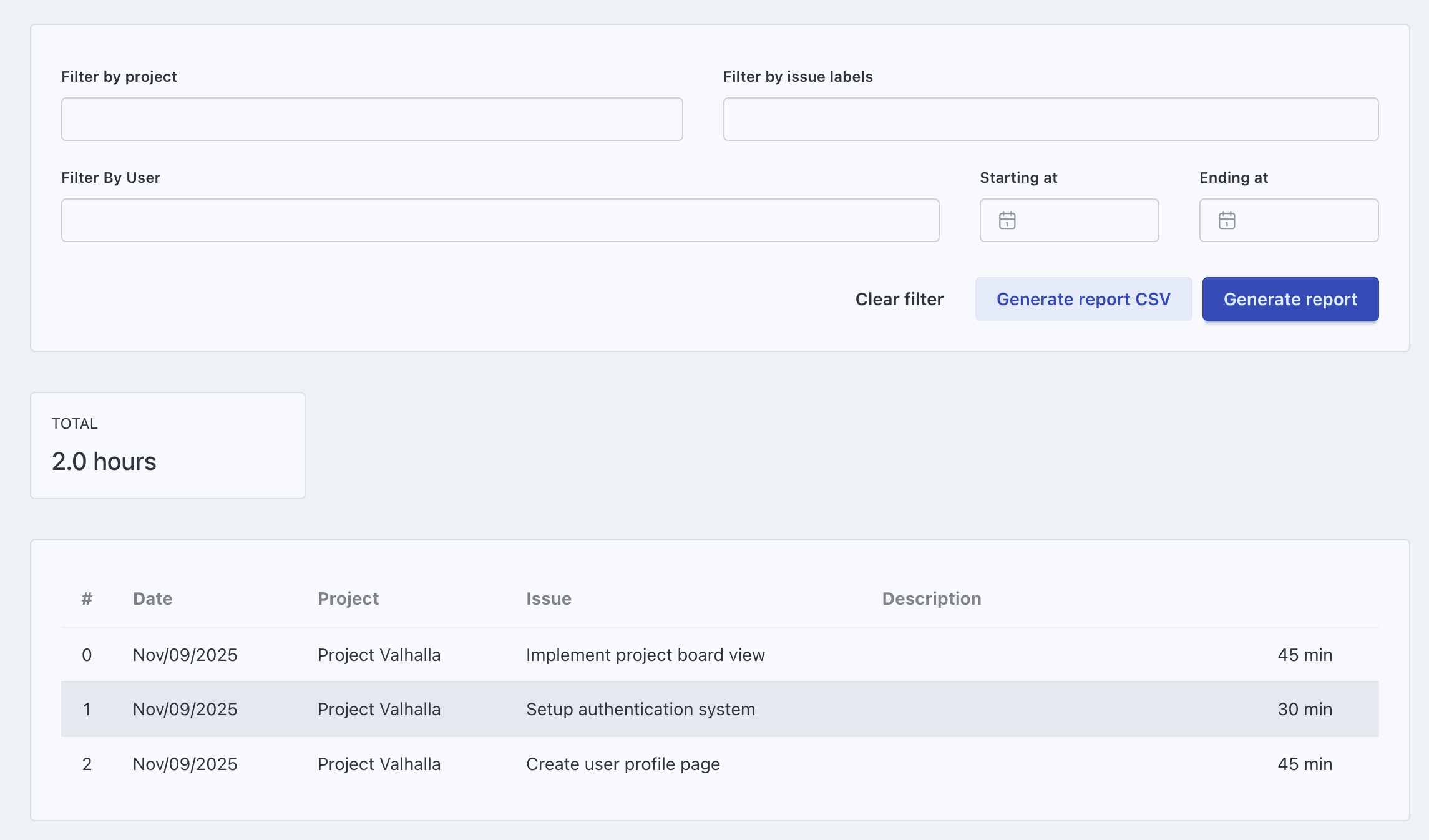
Scrum ceremonies on the same project
Sprint planning
Open the planning grid and drag the next items from Remaining issues into the new sprint, with each card's story points in view.
Daily standup
A grid with status as columns and assignee as rows, filtered to the current sprint. Each person reads their row.
Review
Open the sprint board and walk through the Done column.
Retro
A separate Retro project with a board by label: Went well, To improve and Action items.
Kanban project managementKeep exploring
Frequently asked questions
How do sprints work in Eigenfocus?
Can we estimate with story points?
Can we see how many hours a sprint took?
Can our coding agent pick up sprint work?
How much does Eigenfocus cost for a scrum team of eight?
Try it with your own projects
Flat price for your whole team. Cloud from $15/month or self-hosted.
Prefer your own server? See self-hosted plans