
Freelancer time tracking inside your project management tool
Track hours, manage deliverables and export reports. All included in one tool.
Track time on every task you deliver
One-click timers
Start a timer from any task. When you finish, the hours are logged automatically. No switching between apps.
Manual time entries
Forgot to start the timer? Add entries after the fact with a date, duration and optional note.
Daily timesheets
Review your logged hours by day. Navigate through your week to check what you tracked before sending an invoice.
Pull reports and export for invoicing
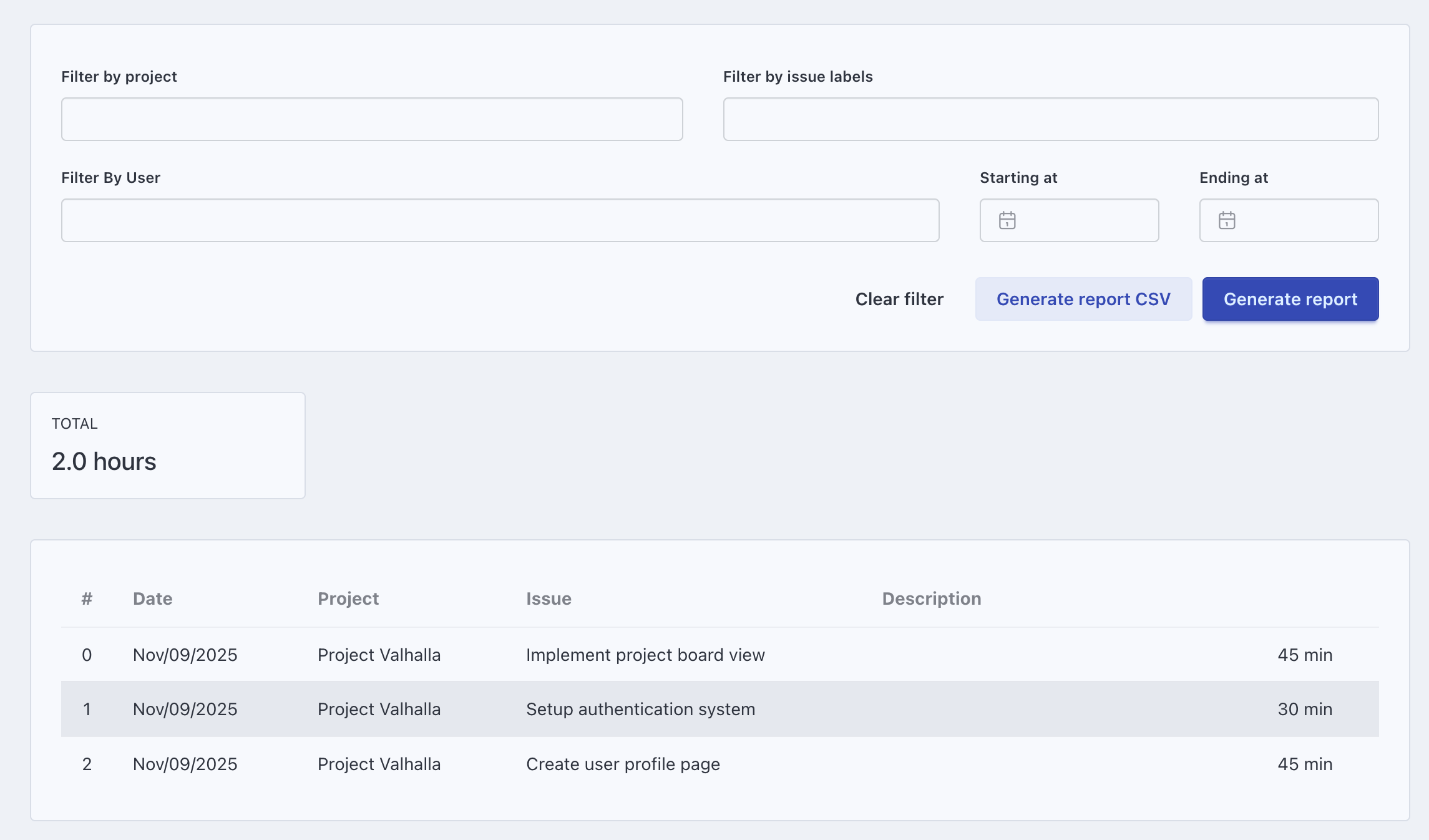
Filter by project or date range
Need hours for a specific client project? Filter your time reports by project and date range to get the exact numbers.
Export to CSV
Download your time data and import it into your accounting or invoicing tool. Works with any software that reads CSV.
Manage projects, not just hours
Boards, grids, lists and timeline
Plan deliverables using the view that fits the project. Switch between views without losing context.
Custom statuses and task types
Define your own workflow stages per project. Each project can have its own statuses and task types.
Assign tasks and set due dates
Break work into tasks with deadlines. Track what needs to happen and when.
Organize your workflow with custom fields
Add fields that match your process
Track project phase, priority, effort estimate or deliverable type. Each project gets its own set of fields.
See key info on cards
Choose which custom fields appear on board and grid cards. Find what you need without opening each task.
Focus Space for deep work
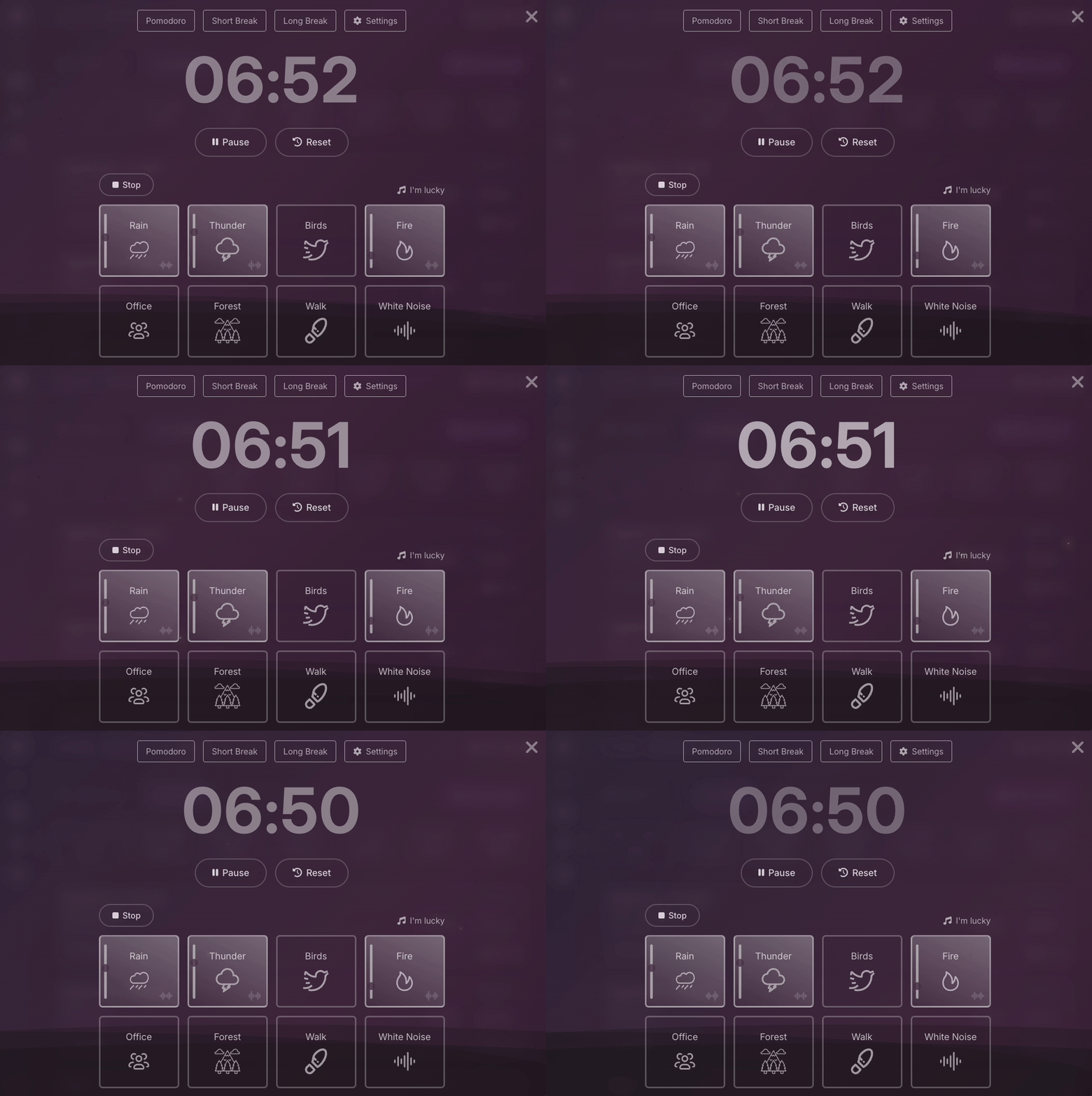
Timer and task in one screen
Focus Space shows your current task with a running timer. Ambient sounds optional. Nothing else on screen.
Log hours while you work
The timer runs while you focus. When you finish, your time is already tracked.
No per-user fees
Flat pricing on all plans
Eigenfocus uses flat pricing instead of per-user fees. Plans start at $139 one-time for unlimited users.
Cloud or self-hosted
Use the Cloud version or host it on your own server. Same features either way.
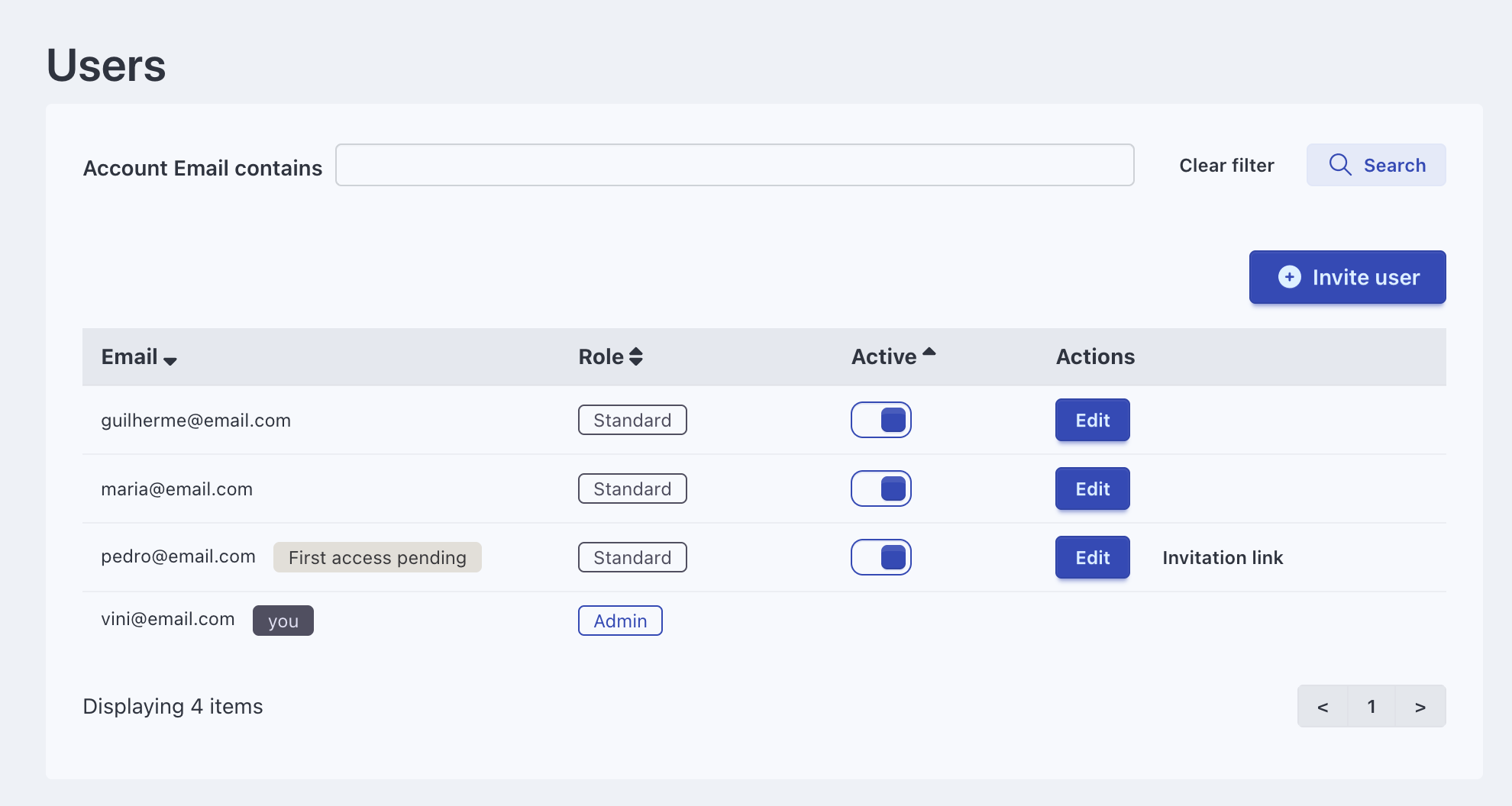
What freelancers get with Eigenfocus
Frequently Asked Questions
Is Eigenfocus good for freelancer time tracking?
Can I use Eigenfocus for project management too?
Do I need separate tools for time tracking and project management?
Is there a free plan for freelancers?
Can I export my tracked hours for client invoicing?
Try Eigenfocus for free
Self-hosted or cloud options available.