
Project management without per-user fees
Boards, grids, timeline, time tracking and custom fields. Flat pricing that stays flat as your team grows.
Multiple views for project management
Boards for Kanban
Drag tasks through your workflow. See what's in progress at a glance.
Grids for planning
Map work across two dimensions. Status x assignee, sprint x priority or any combination you need.
Timeline for scheduling
Visualize work over time. Group by assignee, status or specific labels to see how tasks are distributed.
List view with drag and drop
Group issues by status, assignee, label or custom field. Drag tasks between groups to reassign or reprioritize in one motion.
Project-level configuration
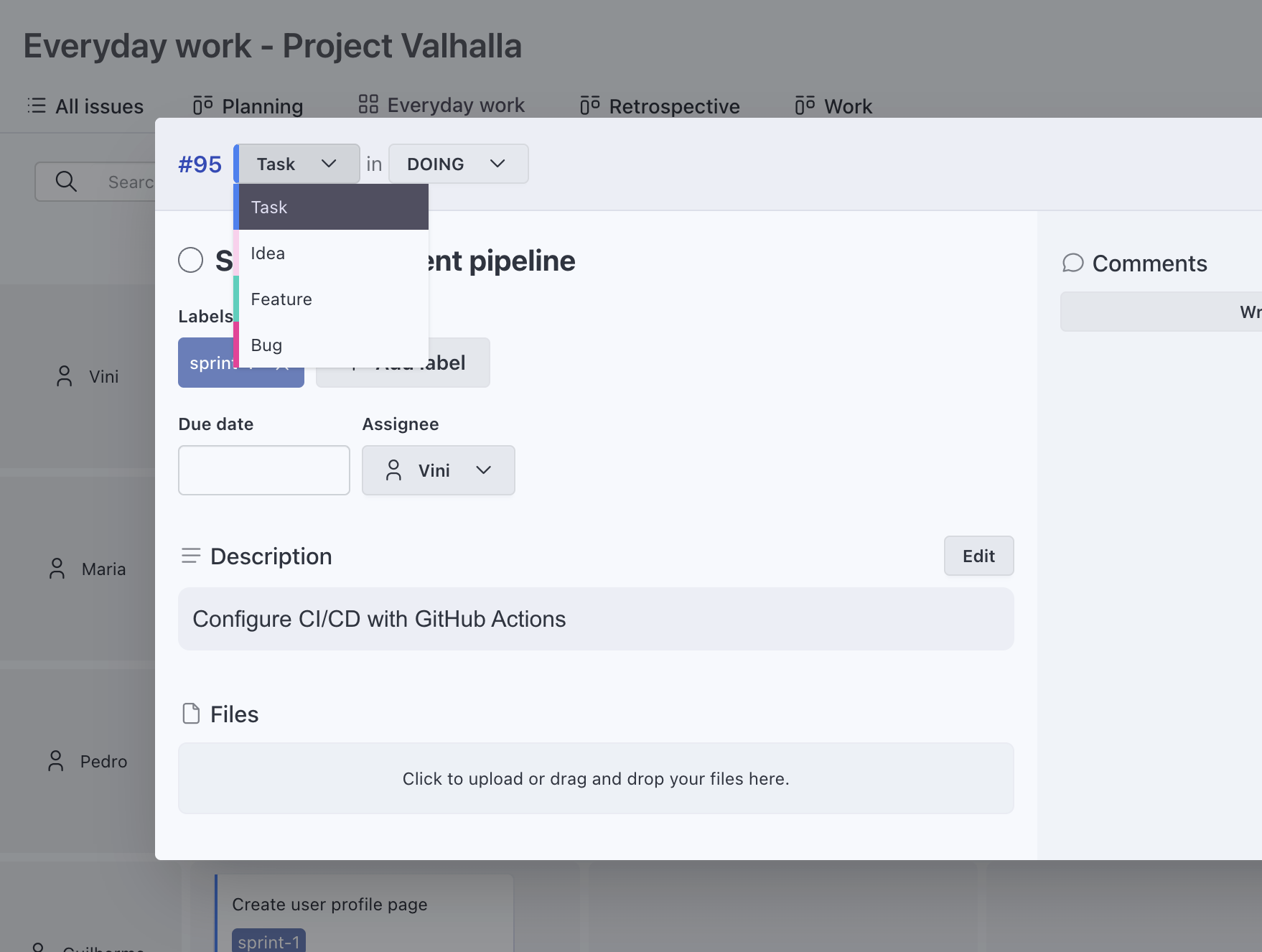
Define your own statuses and types
Each project gets its own workflow. Set up statuses like To Do, In Progress, Review, Done or whatever fits your process.
No global schemes or admin bottlenecks
Each project can have its own configuration, fields and views. No need to coordinate changes across the entire workspace.
Custom fields to structure your work
Add fields for any workflow need
Priority, effort, phase, feature area or anything your team tracks. Text, number, date, URL, boolean, single select and multi select.
Visible on cards
Key data shows up directly on board and grid cards. Choose which fields appear per view so you see what matters.
Filter by any field
Use custom field values as filters in list view to find exactly the tasks you need.
Built-in time tracking
Track time from any task
Start a timer with one click or log time manually. No separate tool or add-on required.
Time reports included
See where time goes. Filter by project, person or date range. Export to CSV when you need it.
Flat pricing, no per-user fees
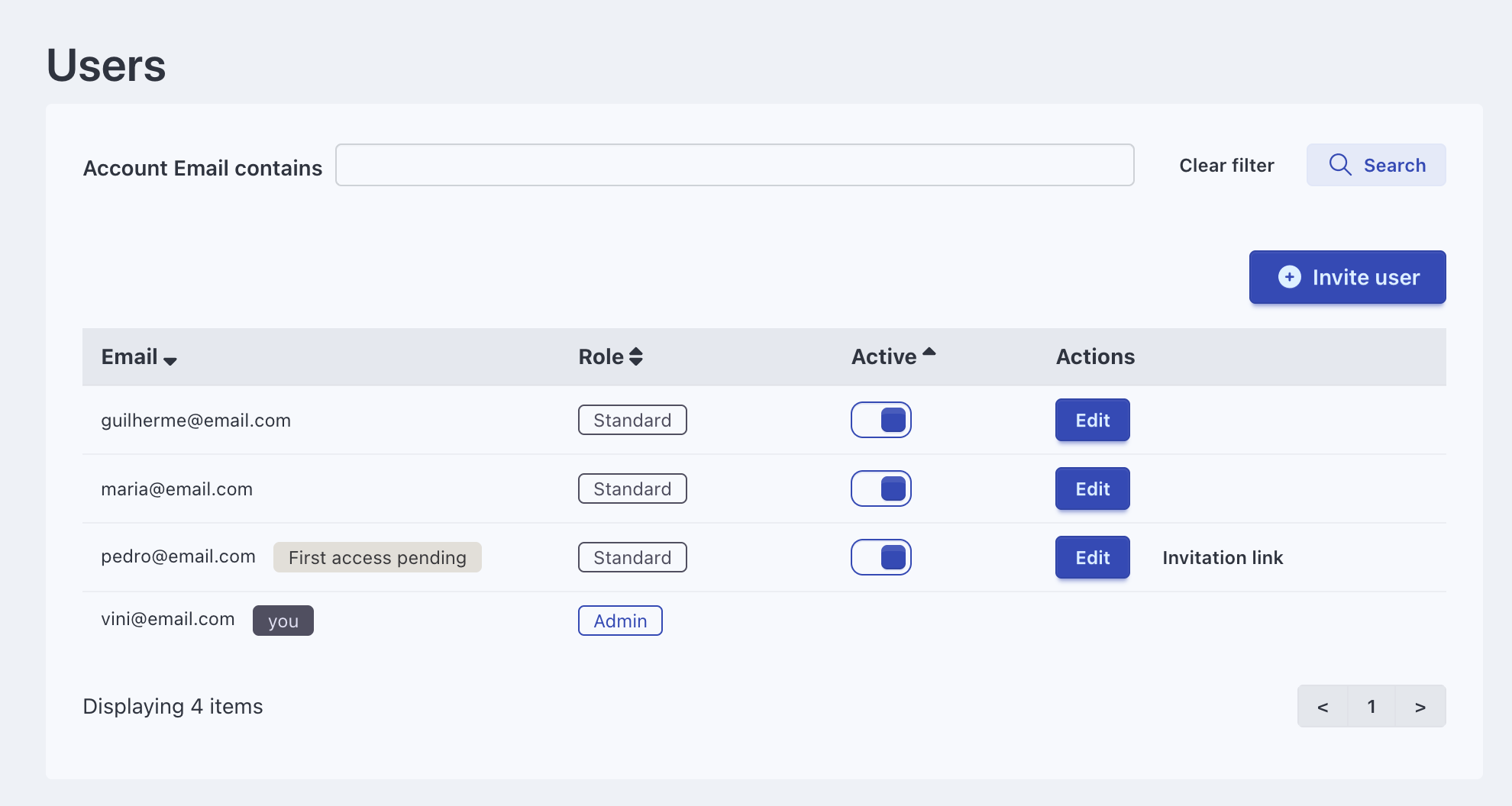
Add your whole team
Invite everyone who needs access. The price stays the same whether you have 5 users or 50.
Cloud or self-hosted
Run Eigenfocus in the cloud or host it on your own infrastructure. Same features, same flat pricing.
Also included in every plan
Frequently Asked Questions
Does Eigenfocus charge per user?
Can I self-host Eigenfocus?
Does Eigenfocus include time tracking?
What views does Eigenfocus support?
Can each project have its own workflow?
Try Eigenfocus for free
Self-hosted or cloud options available.